Document Management Software
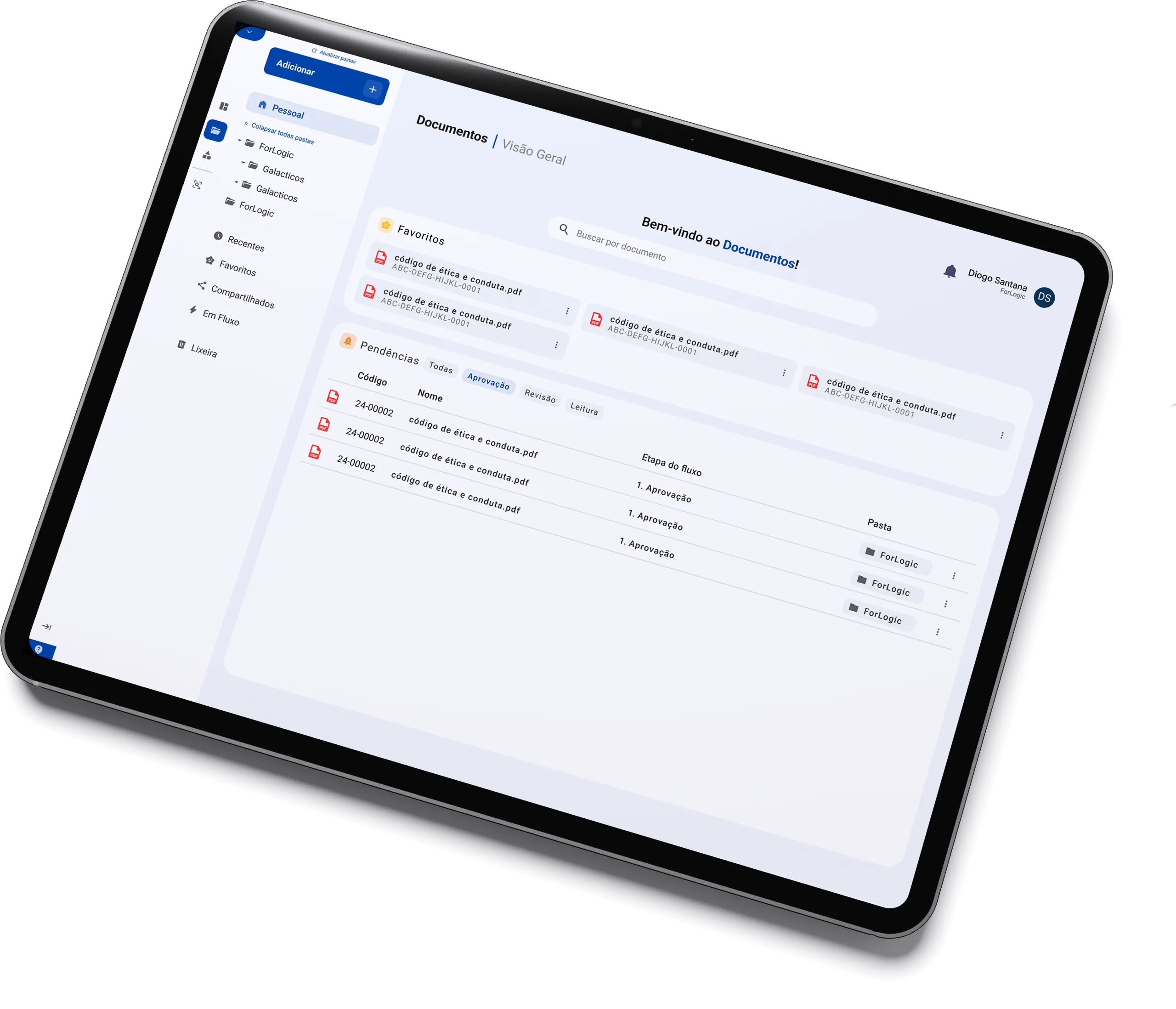
Centralize and control all technical documents securely
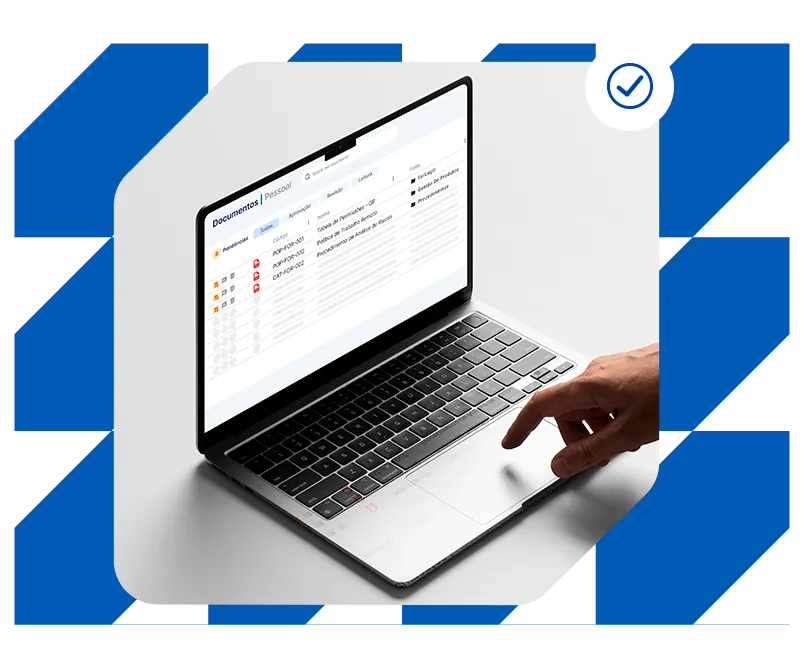
Organize manuals, certificates, reports, and records in one place, with full traceability and quick access. Reduce risks, avoid outdated versions, and meet regulatory requirements with ease.
All document management processes in a single solution
Version control
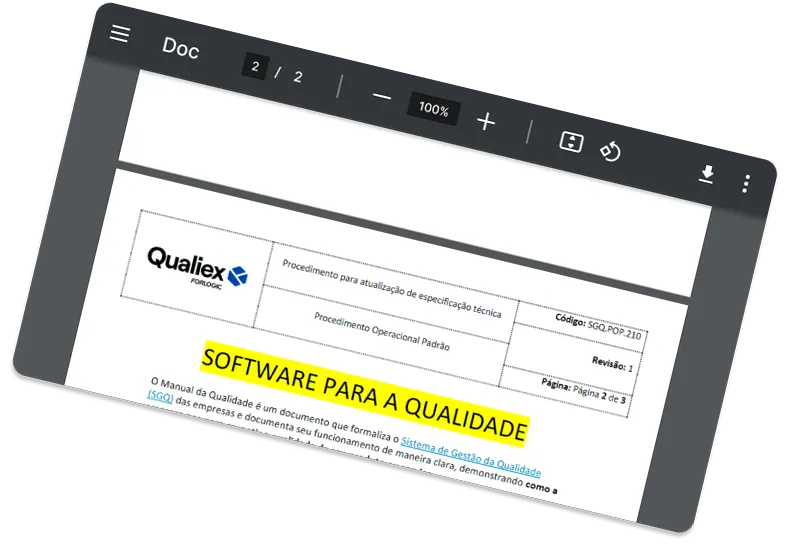
Keep all versions of documents stored in an organized manner, with complete change history and comparisons. Ensure that all users always have access to the correct and updated version.
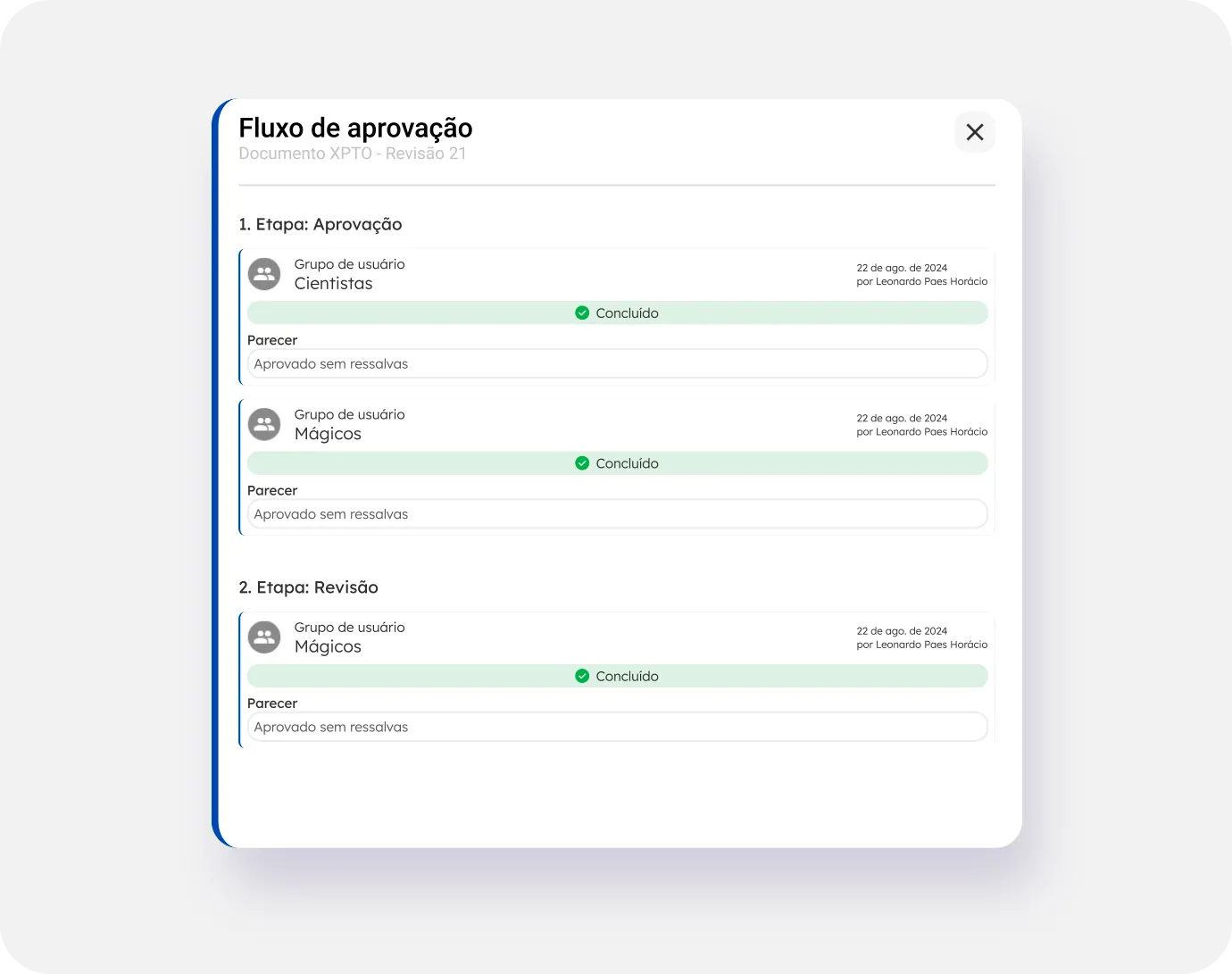
Digital approval and review
Implement automated approval workflows with electronic records of reviews, approvals, and signatures. Enhance the security and traceability of critical documents, reducing risks and rework.
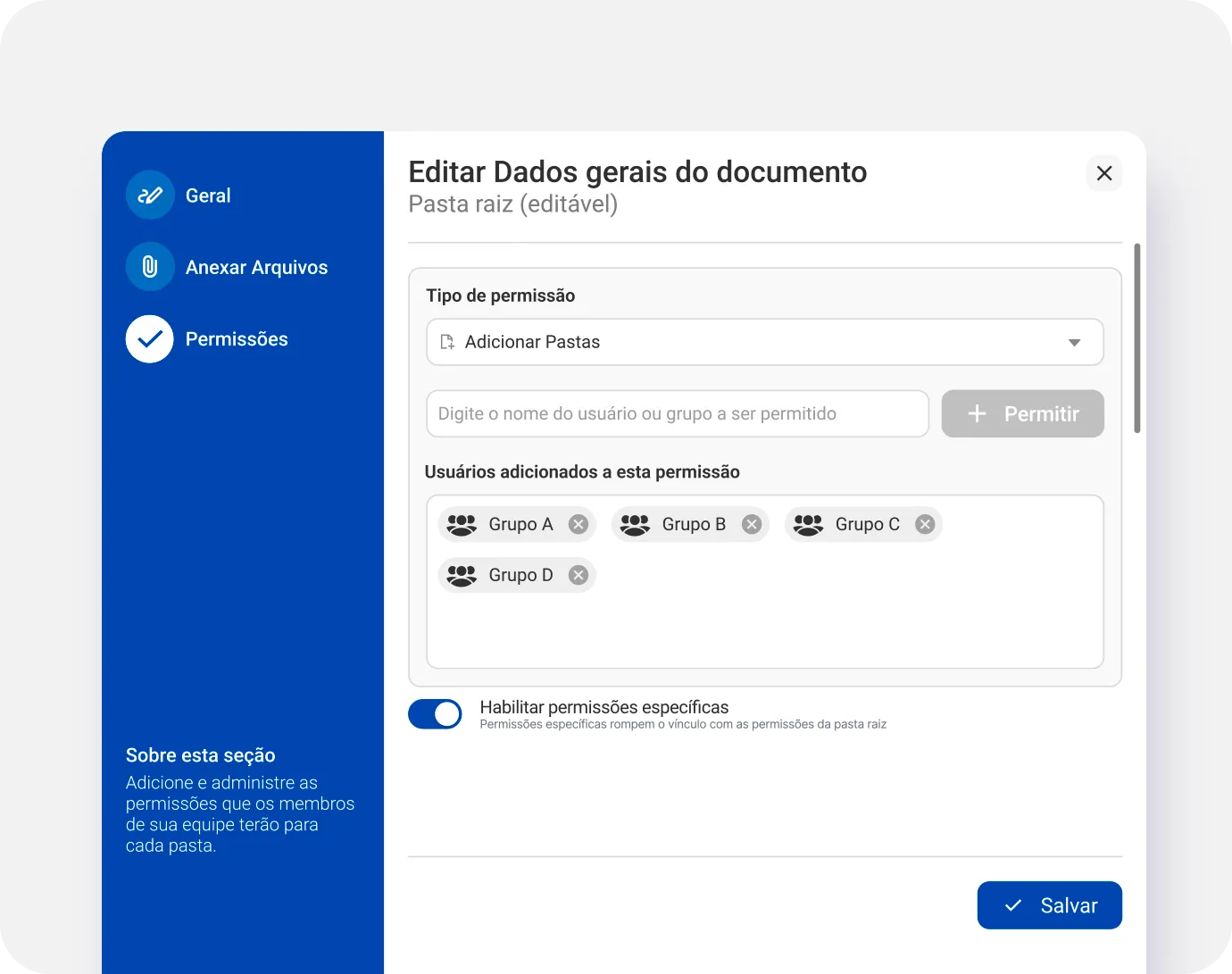
Permission and access management
With Qualiex's Document Management Software, you can define who can view, edit, or approve each document, by department, role, or level of responsibility. Ensure confidentiality and compliance with quality and safety standards.
-
Everything recorded, everything controlled
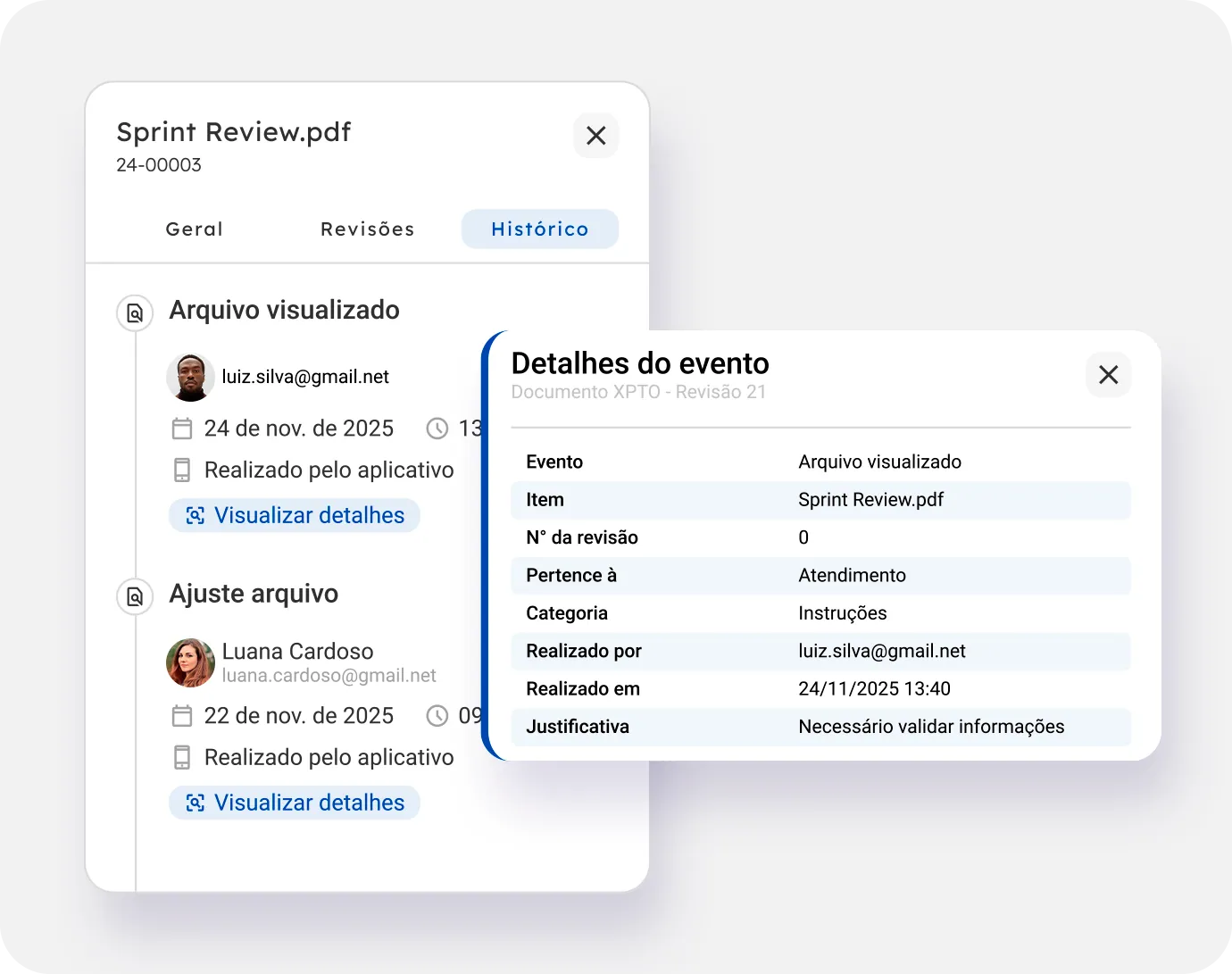
Monitor every action, change, or document movement, ensuring a complete history and full traceability. -
Right access, at the right time
Documents available in real time, for those who need them, when they need them, quickly and without red tape.
-
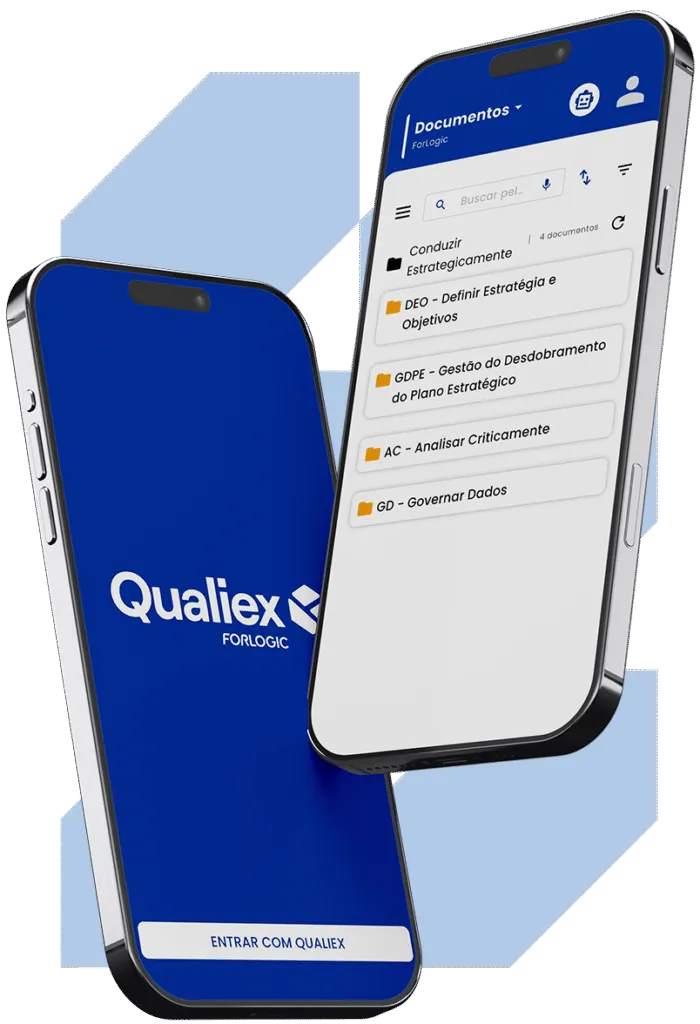
Mobile access anywhere
You have access to ForLogic's exclusive super app and can view your organization's documents anywhere! -
Confidence in every file
Ensure that documents remain intact, free from unauthorized changes or corruption
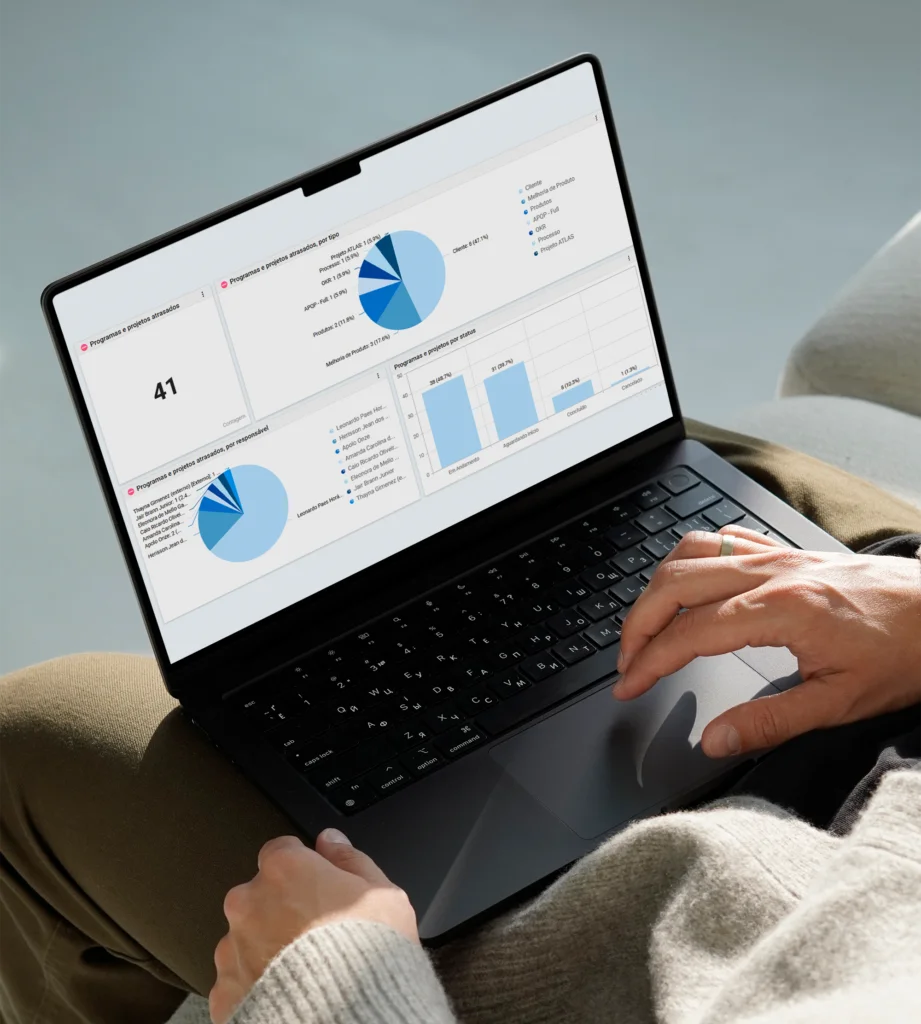
Customizable dashboards for tracking and presenting results
All Quality data working together.
Qualiex, the Quality Document Management software, integrates information from all modules, transforming scattered data into a single, strategic view.
Automated insights that speed up decision-making
With intelligent dashboards in the Analytics module, you can identify patterns, behaviors, and relationships within your QMS, helping you predict failures, anticipate risks, and prioritize what really matters.
Quality from a bird's-eye view. Precision management.
With the Analytics module, you can see how each aspect of quality is connected, influences and shapes the company’s performance, all with the simplicity and robustness of Qualiex.
With Qualiex’s Document Management Module , your company gains full control, reduces risks, and ensures compliance with standards, client requirements, and legislation. Protect your reputation, preserve organizational knowledge, and avoid financial impacts.
What Our Customers Are Saying
-
Qualiex is a system where you'll never feel left to fend for yourself, because you'll always have support from the professionals at ForLogic.
Débora da Silva Resins Quality Assistant
-
The implementation of Qualiex itself brought us a benefit by allowing us to optimize our document database and, as a result, gain control over everything.
Paulo Souza Administrator and Quality Manager at AFIP
-
The most important factor in choosing Qualiex was the system’s usability, which is excellent and provides everything we need for our management system.
César Ferreira Quality Coordinator at Prevent Senior
-
We're familiar with several tools available on the market, but we see what sets Qualiex apart, both in terms of customer service and functionality
Tatiane Silva Quality Supervisor
See firsthand how Qualiex transforms your quality management
FAQ - Frequently Asked Questions About Document Management
What is document management?
Document management is the set of practices used to create, organize, control, store, distribute, and maintain documents throughout their entire lifecycle. The goal is to ensure that information is up to date, accessible to the right people, and protected against loss or unauthorized alterations. Efficient document management reduces rework, increases compliance with standards and audits, and contributes to the standardization of the organization’s processes.
How do you manage ISO 9001 documents?
To control documents in accordance with ISO 9001, the organization must ensure that documented information is approved before publication, revised as necessary, properly identified, protected against unauthorized changes, and made available to the appropriate personnel. Using document management software facilitates this process by centralizing files, tracking revisions, recording approvals, and maintaining a complete history of changes made.
What is the difference between GED and document management?
Although the terms are often used interchangeably, they have important differences. Electronic Document Management (EDM) focuses primarily on the storage, organization, and retrieval of digital files. Document management, on the other hand, takes a broader approach, also involving version control, approval workflows, distribution, traceability, retention, and compliance throughout the entire document lifecycle. In practice, a comprehensive document management solution typically incorporates EDM capabilities.
What are the benefits of implementing document management software?
Electronic document management helps reduce rework, enhance information security, improve compliance with regulations and audits, streamline approvals, preserve organizational knowledge, and ensure quick access to the documents needed for operations.
How can a company avoid having outdated documents?
The best way to avoid outdated documents is to adopt a structured document control process. This includes designating individuals responsible for reviews, establishing approval workflows, managing versions, and ensuring that only the current version is available for reference. With a document management system, employees always access the most recent version, reducing operational risks and nonconformities.
How do you ensure document traceability during audits?
Document traceability is achieved by logging all actions performed on each document, including creation, revisions, approvals, publications, and accesses. During audits, this information makes it possible to verify who made each change, when it occurred, and which version was in effect during a given period. This increases the transparency of processes and makes it easier to demonstrate compliance with standards and regulatory requirements.
What is document management software?
Document management software is a solution that centralizes, organizes, controls, and tracks corporate documents in a single digital environment. With it, you can manage versions, set access permissions, automate approval workflows, and ensure that employees always use the most up-to-date documents.
How does document version control work in Qualiex?
Qualiex maintains a complete history of the changes made to each document. Whenever a new revision is published, previous versions remain on record for reference and traceability, ensuring greater security and compliance for the management system.
Does Qualiex help with ISO 9001 compliance?
Yes. Qualiex’s Document Management module helps companies manage the documented information required by ISO 9001 and other management standards. The platform facilitates the management of document revisions, approvals, distribution, access, and retention.
Is it possible to automate the approval and review of documents?
Yes. Qualiex allows you to create digital review and approval workflows by defining responsible parties, deadlines, and validation steps. This helps the company reduce email exchanges, avoid delays, and maintain a standardized process for document management.
What types of documents can be tracked in Qualiex?
The system can be used to manage procedures, work instructions, manuals, policies, forms, records, certificates, technical reports, SOPs, and various other documents related to quality management and organizational processes.
How does document access control work?
Qualiex allows you to configure specific permissions by user, position, team, or department. This ensures that each employee has access only to the documents necessary for their role, thereby enhancing security, confidentiality, and compliance with regulatory requirements.
Does the software allow you to track changes made to documents?
Yes. All activities are logged in the system, including reviews, approvals, changes, and access. This ensures complete traceability of documents and facilitates internal and external audits.
Can Qualiex replace spreadsheets and shared folders for document management?
Yes. The system centralizes documents in a single environment, eliminating common problems associated with spreadsheets, local servers, and shared folders—such as duplicate versions, lost files, and a lack of control over changes.
Do you still have questions about our Document Management Software?
Watch this episode of Qualicast and learn how document management software can help your QMS ensure compliance with the key applicable standards!